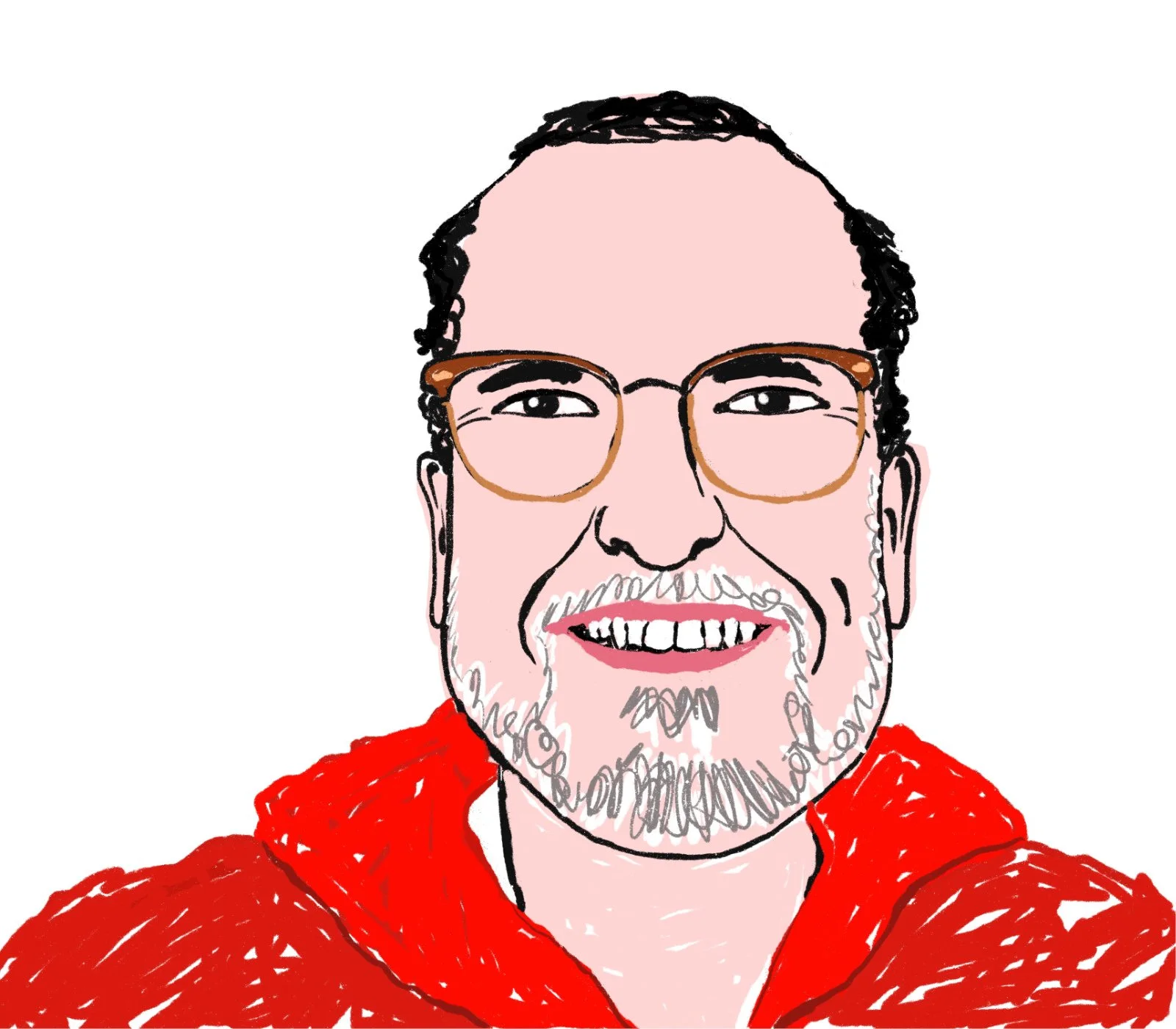
My friend sent a graphic he found on social media. The graphic was an illustration of a man in three-quarter profile sticking out his tongue. The text under the graphic asserted that the man was a habitual masturbator. I illustrated it and sent it to my friend with a note asserting the same behavior. I hope he giggled because DMs don’t make sounds.
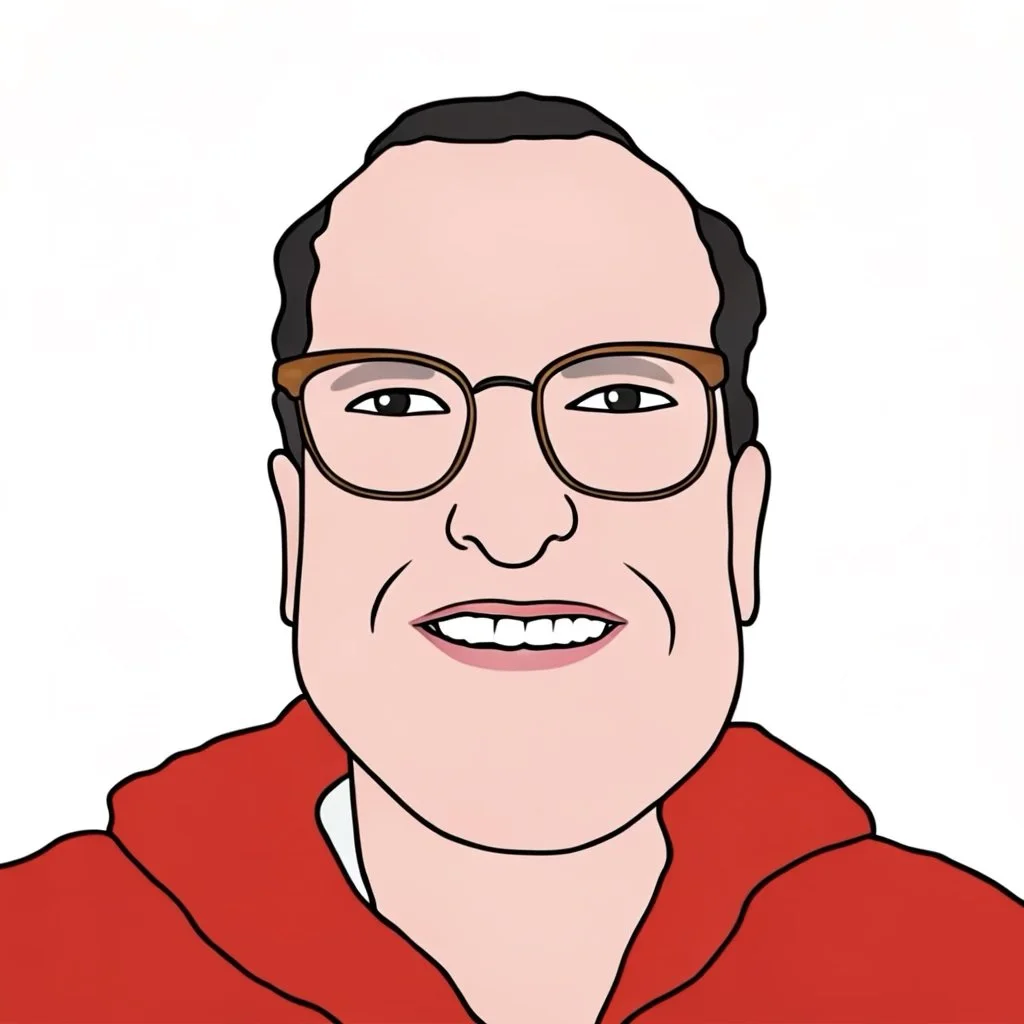
After I made the raster portrait in Procreate, I ran it through Image Playground by Apple Intelligence on my MacBook Air (M3) with a prompt to render the image in a vector style. I think its interpretation was pretty darn good. It captured the overall shape of his head, eyes, glasses, smile, hoodie, and hair. It missed a few things like his salt-and-pepper beard and dark eyebrows.
To make an actual vectorized version of the portrait, I imported the image from Image Playground to Affinity By Canva, a creative suite of software that’s similar to Adobe Creative Suite. I ran it through Image Trace to get a very good resulting vector graphic. Not including the time to create a hand-rendered portrait, I got a vectorized version within a minute or so. With some finessing, I had a final vector version within another 10 minutes.
For all the hand-wringing about artificial intelligence, the dang invention has a purpose — preparing graphics for publishing. As of this writing, I won’t use A.I. to create an image. I love drawing, but I don’t love tedious production work. A.I. seems to speed up that part of the creative process, and I’m all for it.